On iPhone Duo

Made for a phone
that opens.

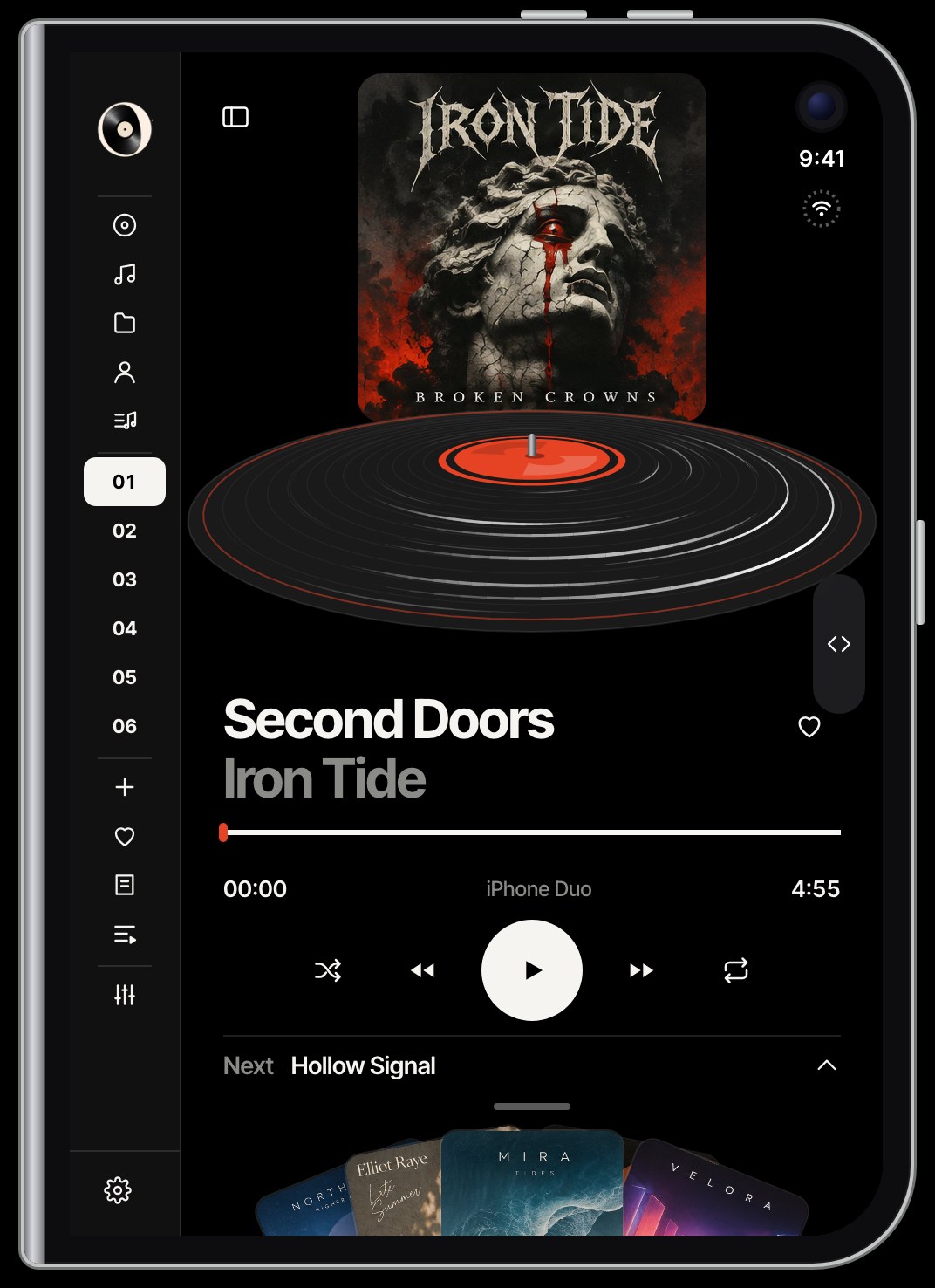
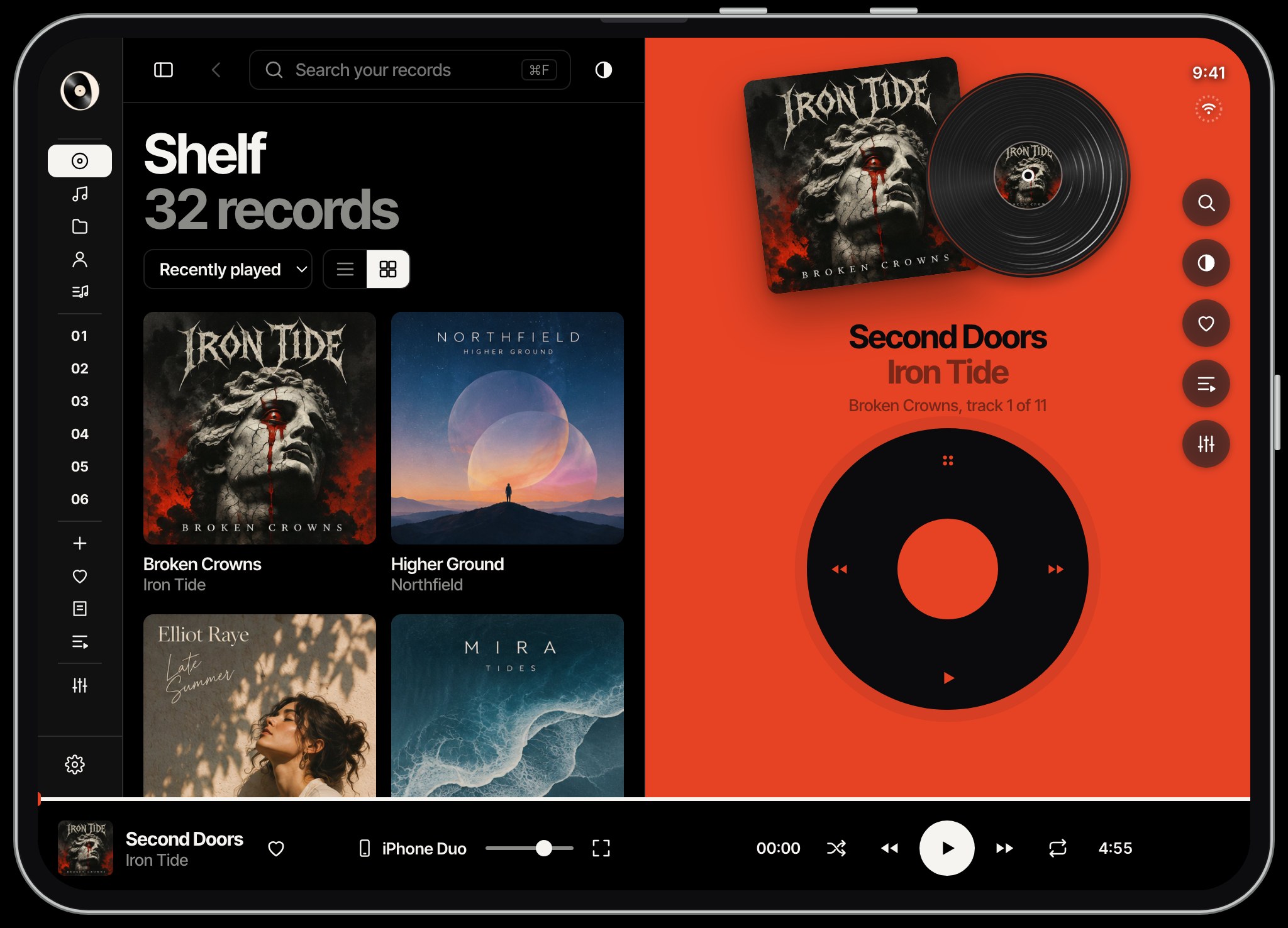
iPhone Duo has a front screen and a bigger one inside. Otáčka is being designed for both, so the record is the control whichever way you hold it.

Being designed Shown with sample albums. A design prototype, so details may change before release.

Otáčka on the front screen of the closed iPhone Duo: the Deck player with a spinning record, the song and its controls, and a stack of records at the bottom. Otáčka on the open screen of iPhone Duo: the shelf and a slim menu on the left half and the Deck player on the right half.

Closed: the player fills the front screen. Click the phone to open it.

Two screens

One app, two layouts.

Otáčka on the front screen of iPhone Duo: the Deck player with a spinning record, a slim menu down the left and a stack of records at the bottom.
Closed: the player fills the front screen.
Otáčka on the open screen of iPhone Duo: the shelf and a slim menu on the left half, and the Deck player on the right half, meeting at the fold.
Open: the shelf on the left, the player on the right.

The front screen

The record, the song and its controls fill the screen, with a stack of your records at the bottom.

The shelf from the bottom

Tap the stack and your shelf rises as a page, with tabs, search and big covers. Pick a record and it plays.

The inner screen

Your shelf and menu on the left half, the player on the right, meeting at the fold. Choose any of the six players.

A slim menu

Icons only, always there. Press the menu button to open it over the screen, and it closes when you have chosen. You can set it to stay open.

Up next

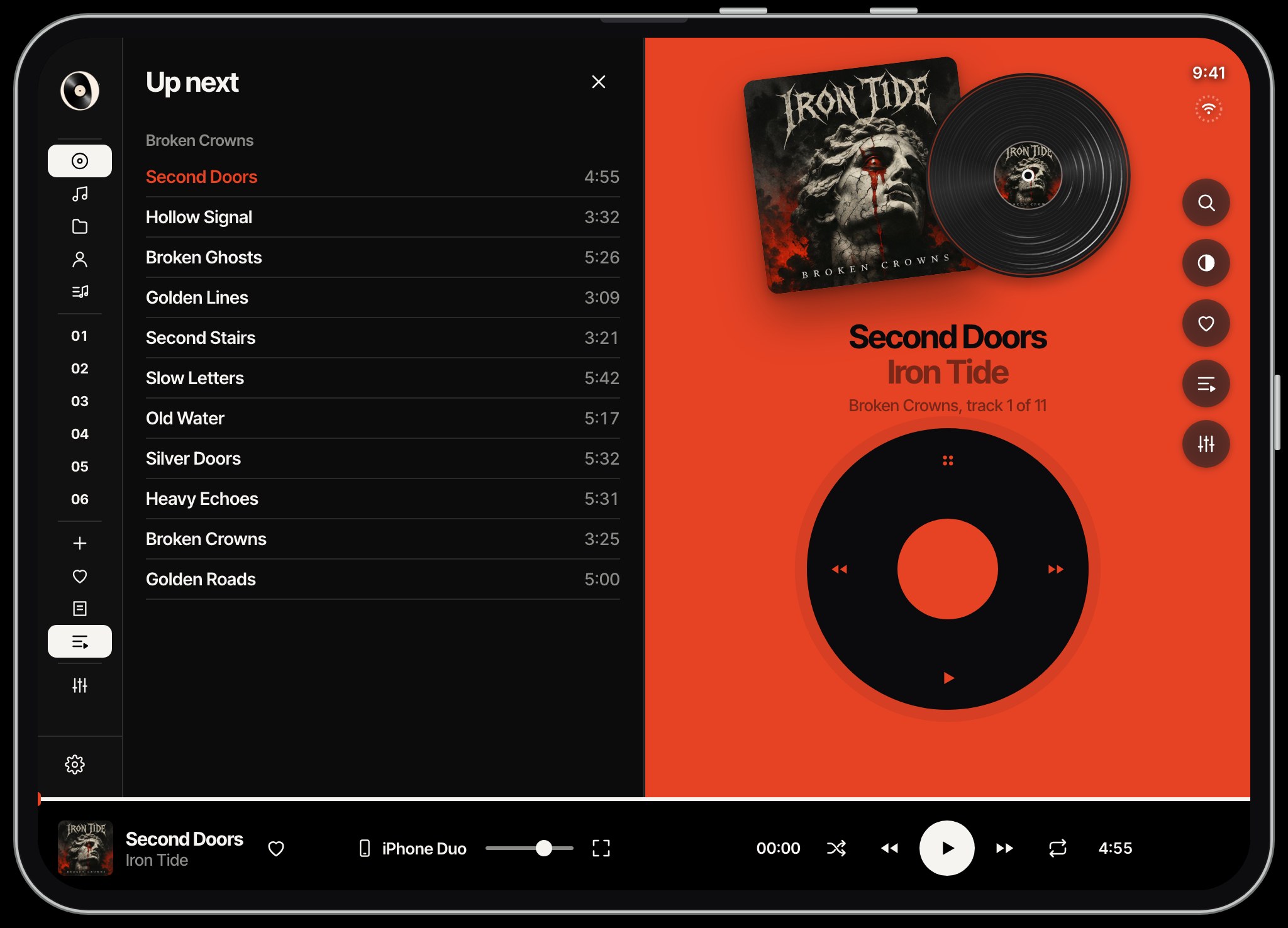
Your queue and the rest of the record. On the inner screen it opens on the left, beside the shelf. On the front screen it rises from the bottom.

Hold to scrub

A tap on previous or next skips the song, or goes back to the start. Hold it and the song rewinds or fast forwards, faster the longer you hold.

Widgets

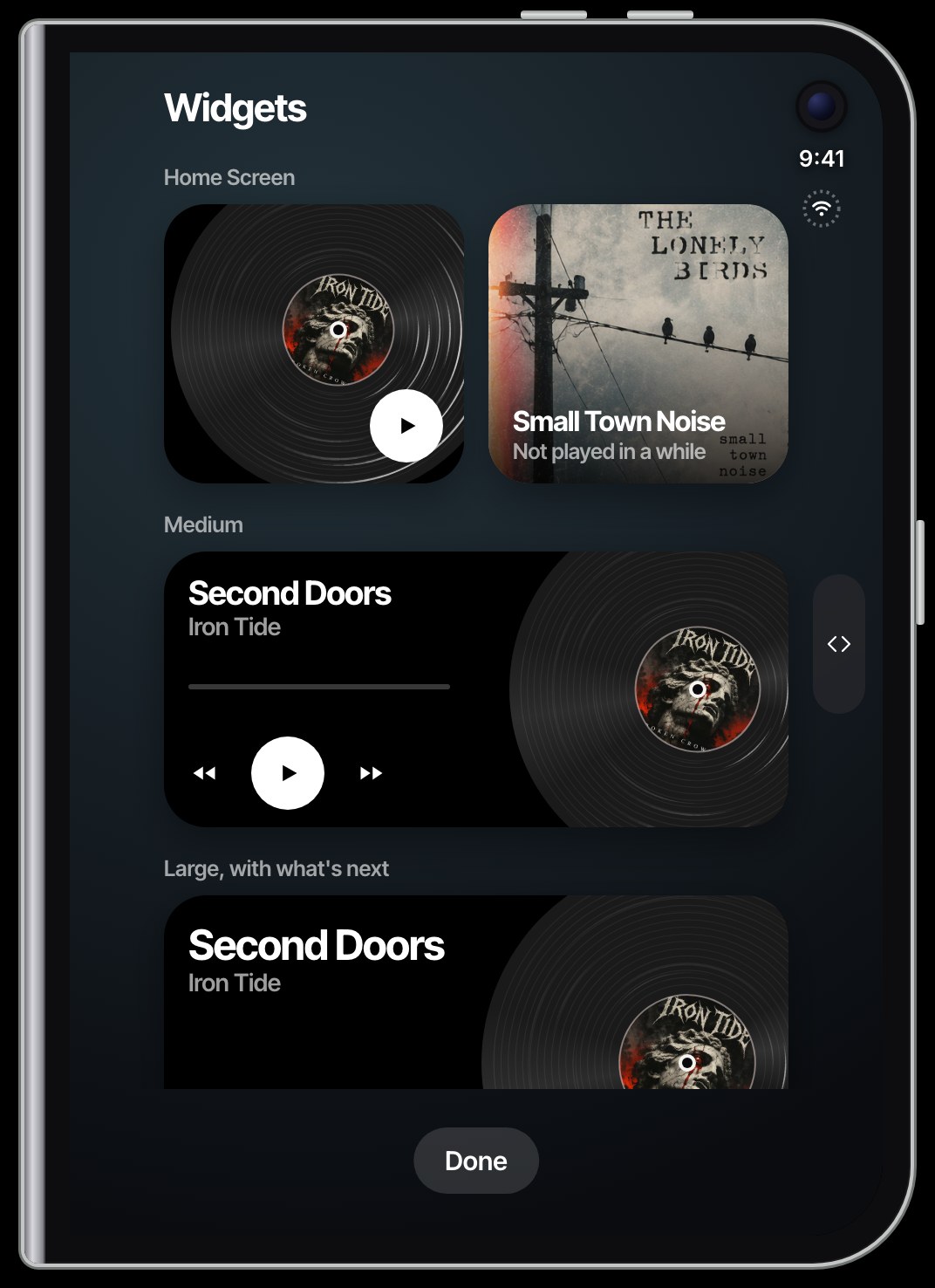
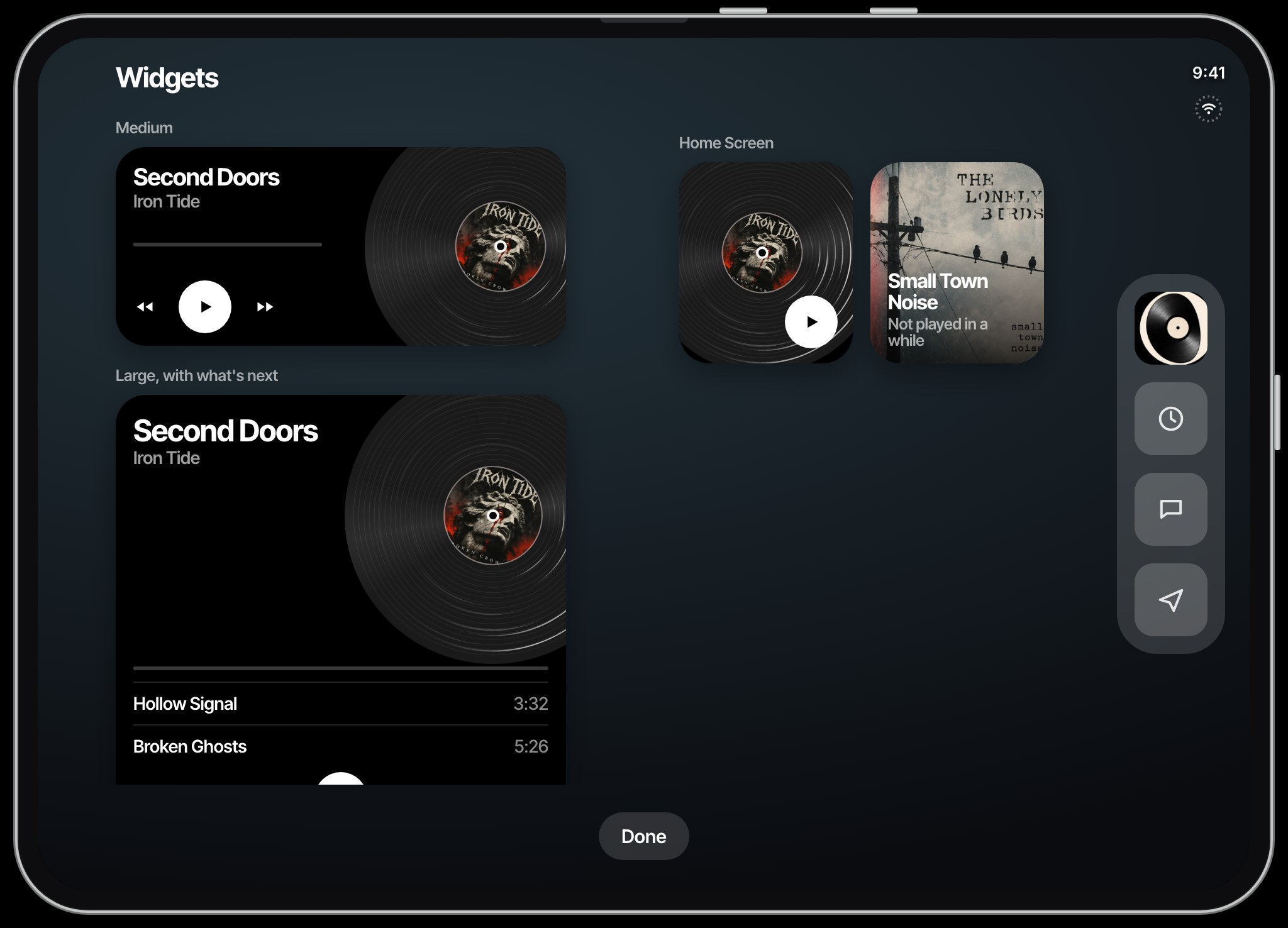
A small, medium or large record for the Home Screen, an Up next widget and your latest note. Home Screen widgets cannot spin, so the record sits still at a new angle for each song.
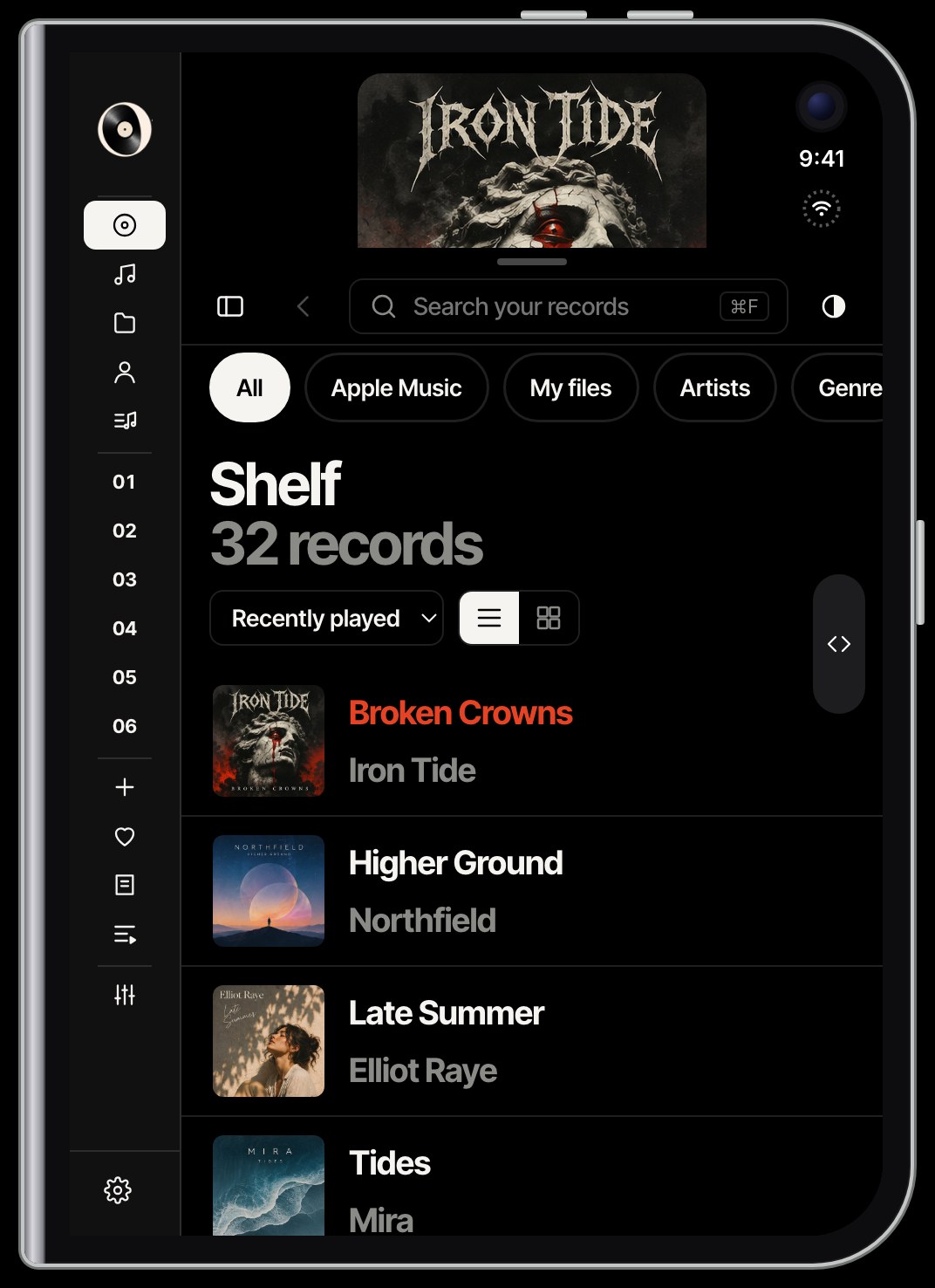
The shelf on the front screen of iPhone Duo: tabs, a list of records with large covers, and the slim menu on the left.
The shelf on the front screen.
Up next open in the left half of the inner screen of iPhone Duo, beside the Wheel player on the right.
Up next on the inner screen.
Widgets on the front screen of iPhone Duo: a small record and a cover widget, a medium record widget with controls, and the start of a large widget with what is next.
Widgets on the front screen.
Widgets on the inner screen of iPhone Duo: a scrolling list of widgets on the left half, and a Home Screen with two small widgets and a dock down the right side.
Widgets on the inner screen: the list on the left, the Home Screen and its dock on the right.

The screens

Sized to the real thing.

The layouts follow Apple's published screen sizes, with the time and battery down the side and buttons along the edge. The phone is the same height open or closed.

 Front screen (closed)Inner screen (open)
Size5.4 inches7.6 inches
Pixels1398 by 2034 at 460 ppi1878 by 2670 at 430 ppi, held wide
Layout points466 by 678964 by 678
What you seeOne player, a slim menu, and the shelf from the bottomShelf and menu on the left half, a player on the right half

Layout points are shown at three times scale. Details may change before release.

Put a record on.

Leave your email and be one of the first to try it. Choose the version you want, and you'll hear when that one is ready.

Which version are you waiting for?

iPhone, iPad and Mac are planned as one purchase. iPad, Android and Windows versions are coming soon.

Thank you. We'll be in touch.

We use your email only to tell you about Otáčka. Privacy