You hold your clients' names, emails, fees and plans. FreeSlate keeps all of it on your own devices and, if you choose, in your own cloud. We never see it, because it never comes to us.
Projects, briefs, clients, invoices, images and settings are saved where you use FreeSlate. On iPhone, a safety copy is kept in the app's private folder too.
No connection needed. Work on a train, a plane or a site visit, and sync catches up when you are back online.
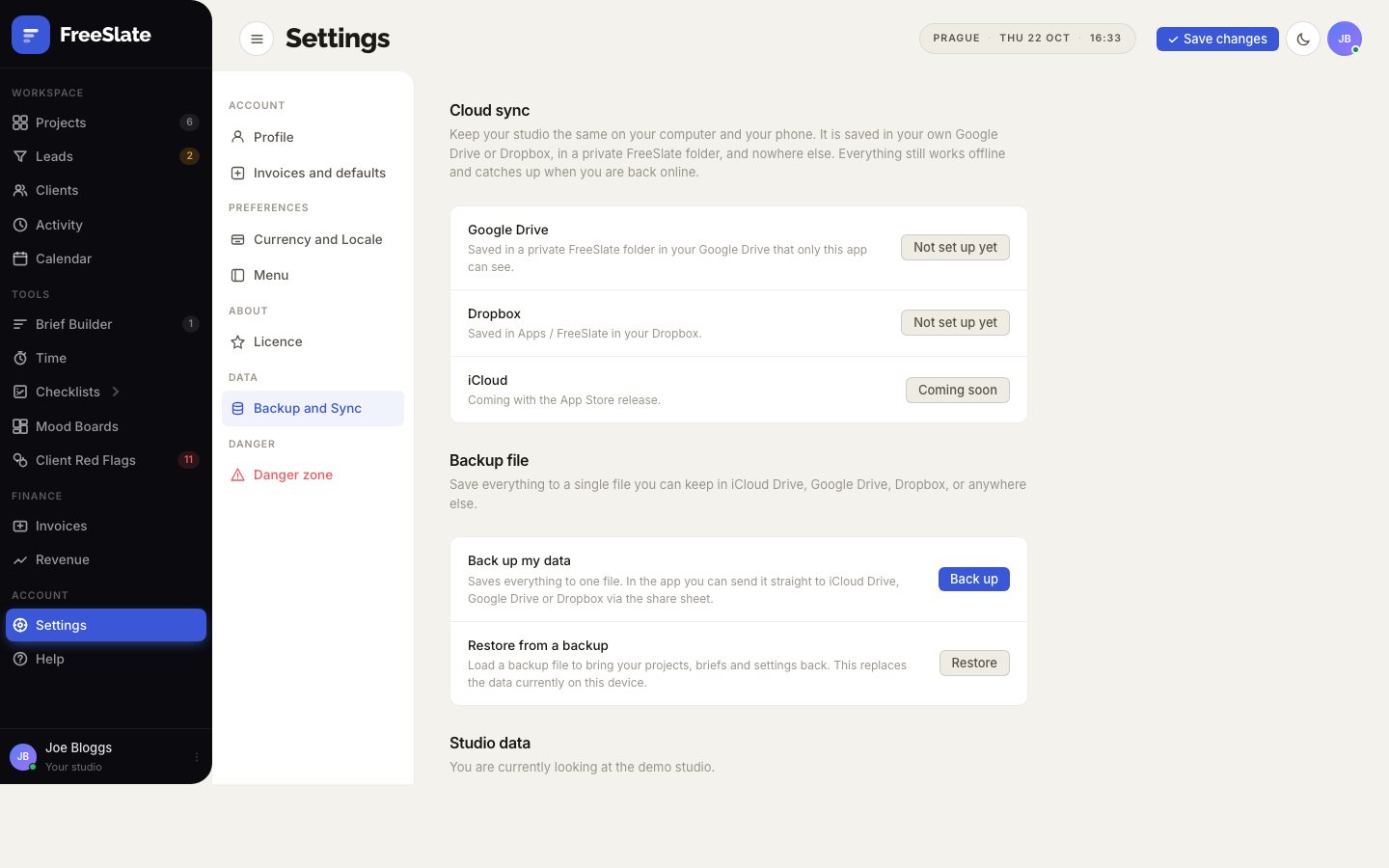
Turn on sync and your studio is kept in a private FreeSlate folder in your own Google Drive, Dropbox or OneDrive. FreeSlate can only see that folder, never your other files.
No sign-up, no analytics on your work, no advertising. On the App Store, FreeSlate will be listed as "Data Not Collected".
Save everything to one file, images included, and keep it wherever you like: iCloud Drive, Google Drive, Dropbox or a USB stick. Restore it on any device.
Reset FreeSlate erases everything on a device in one step. Remove the cloud copy from your own Drive, Dropbox or OneDrive whenever you choose.
There is no FreeSlate server in the middle. Your devices talk directly to your own Google Drive, Dropbox or OneDrive.
It is saved on your device straight away, online or not.
A few seconds later it is copied to the private FreeSlate folder in your own account.
When you open FreeSlate elsewhere, it picks up the change. Different edits on two devices are combined, not overwritten.
Because client details stay with you, you decide what is kept and for how long. That makes it simpler to meet GDPR and similar rules: you can see, correct, export or delete any record yourself, without waiting on a provider.
FreeSlate is in final testing. Join early access and we'll tell you the moment it's ready.