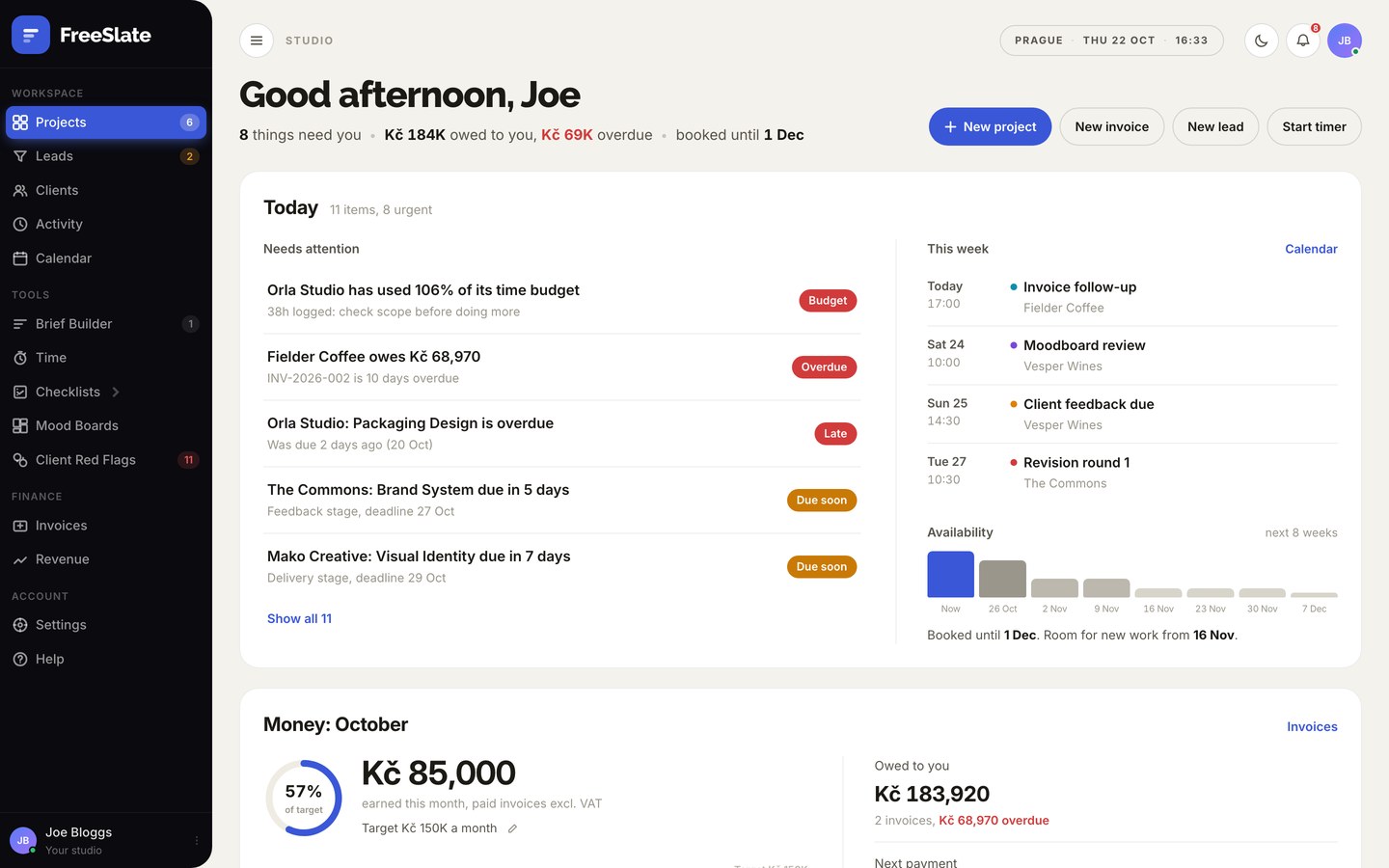
Here is a real project in FreeSlate: a brand identity for Vesper Wines. Follow it through eight steps, from the first email to the final payment.
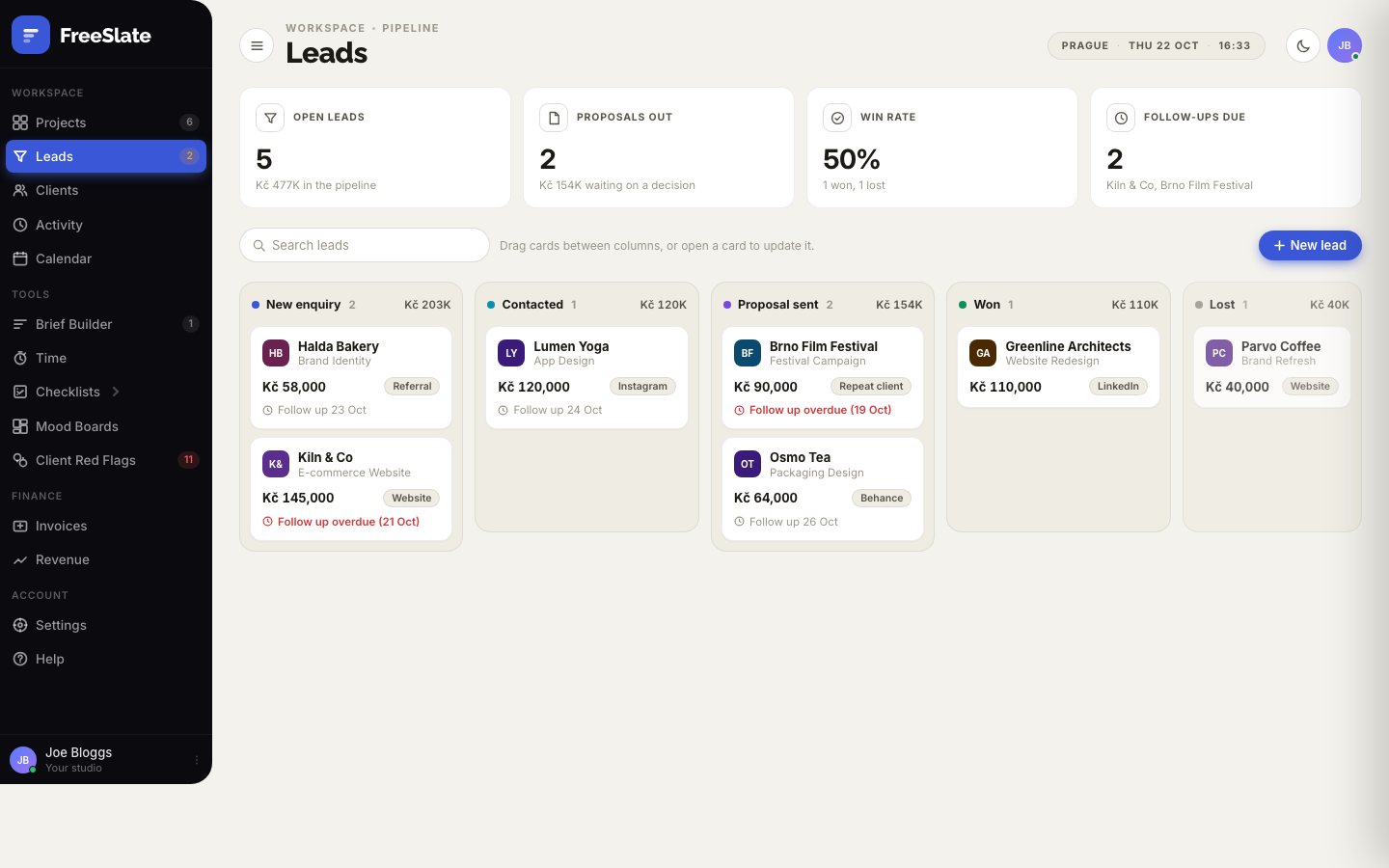
A wine importer emails asking about a new brand identity. Add them to Leads with an estimated value and a follow-up date, and FreeSlate reminds you if it goes quiet.

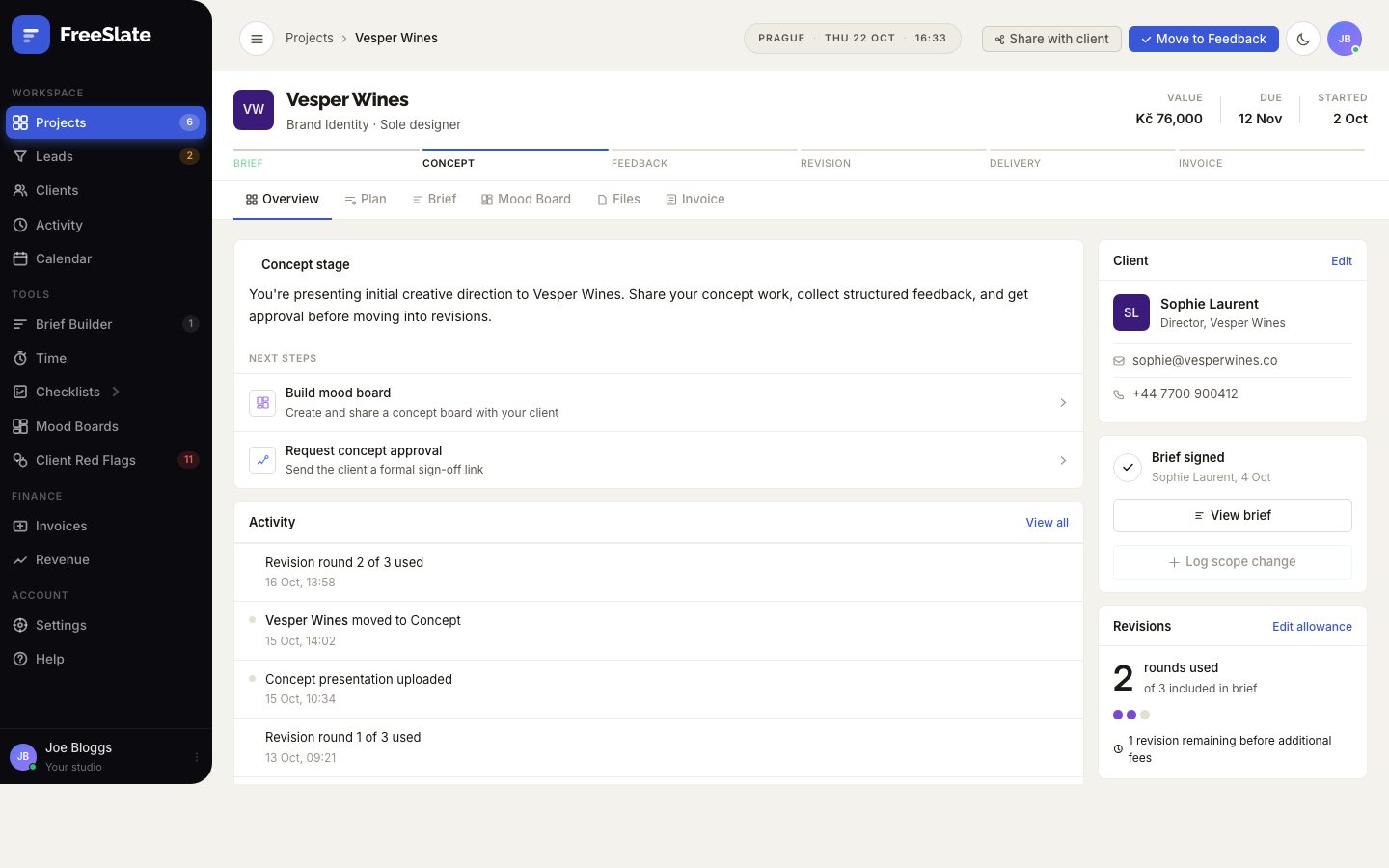
Press Convert to project. The project starts at the Brief stage with the client, fee and deadline filled in, and appears on your dashboard, calendar and time tracker.

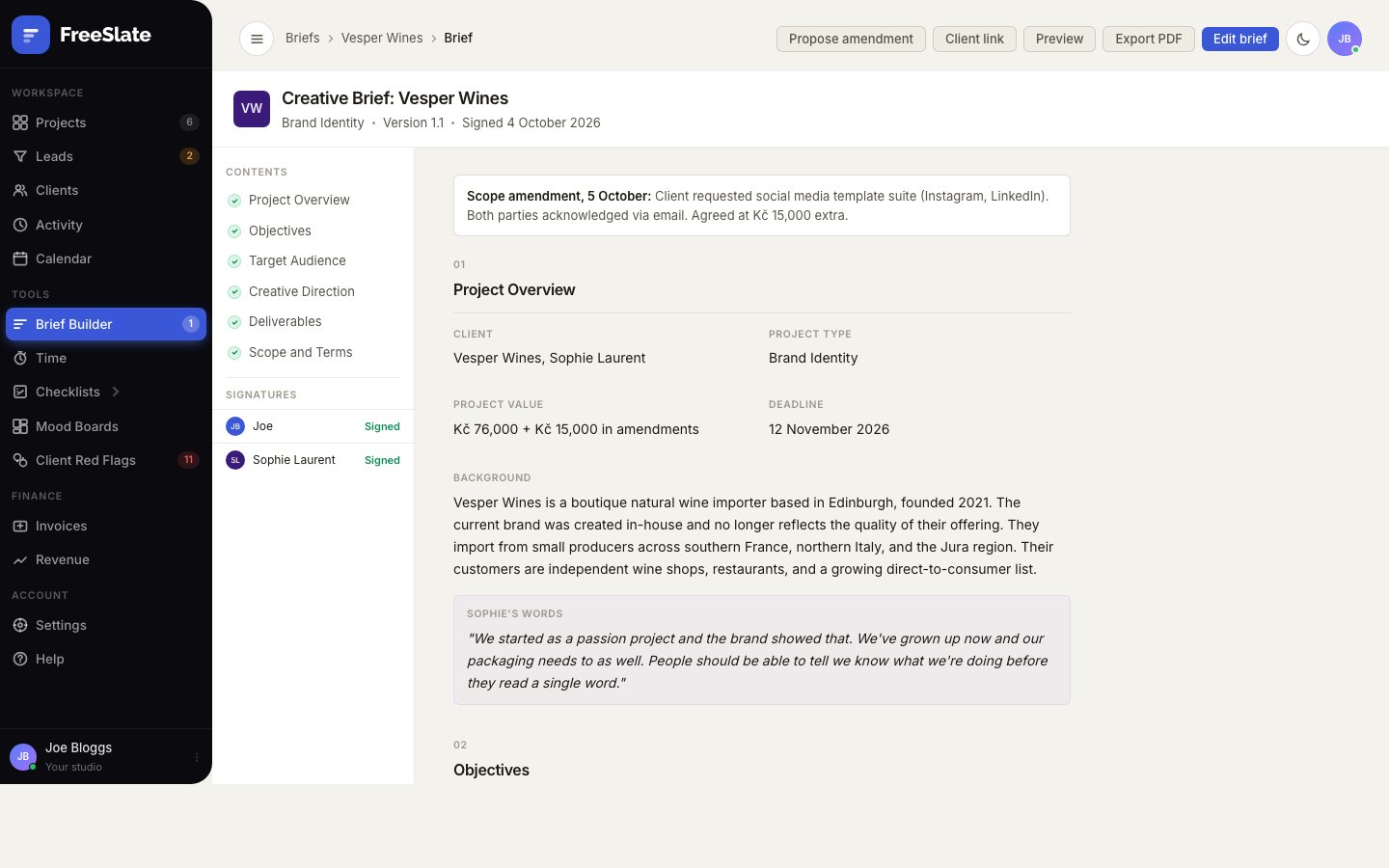
FreeSlate starts the brief from a template for brand work. Fill in the background, goals, audience, direction, deliverables and terms, including how many revision rounds are included and what extra rounds cost.

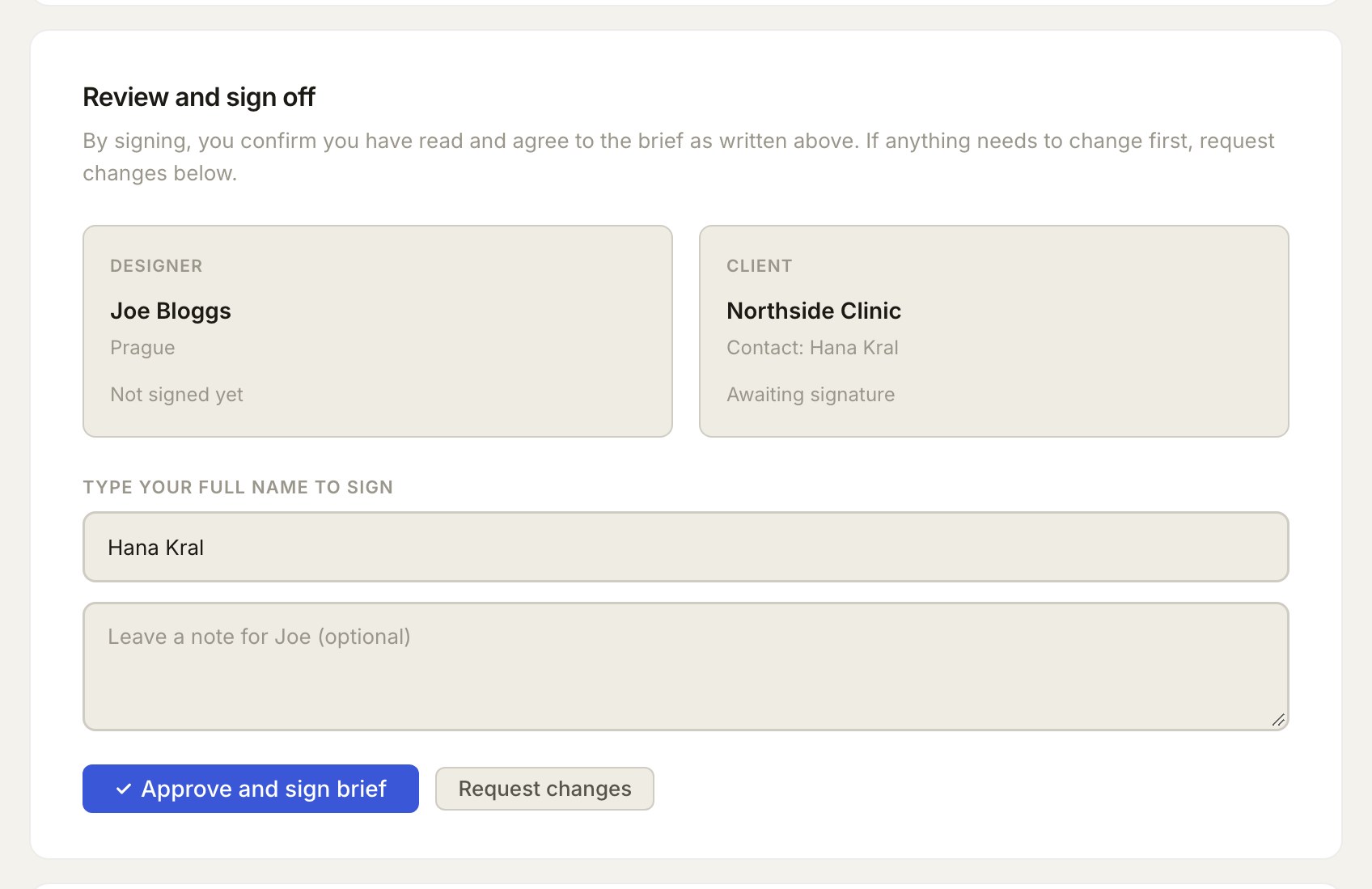
Sign as the designer, then press Get client link and send it by email or message. Your client reads the brief in their browser, then signs, comments or asks for changes. Their browser gives them a short receipt code to send back. Paste it into FreeSlate with Add receipt: it checks the receipt matches this exact brief and marks it signed.

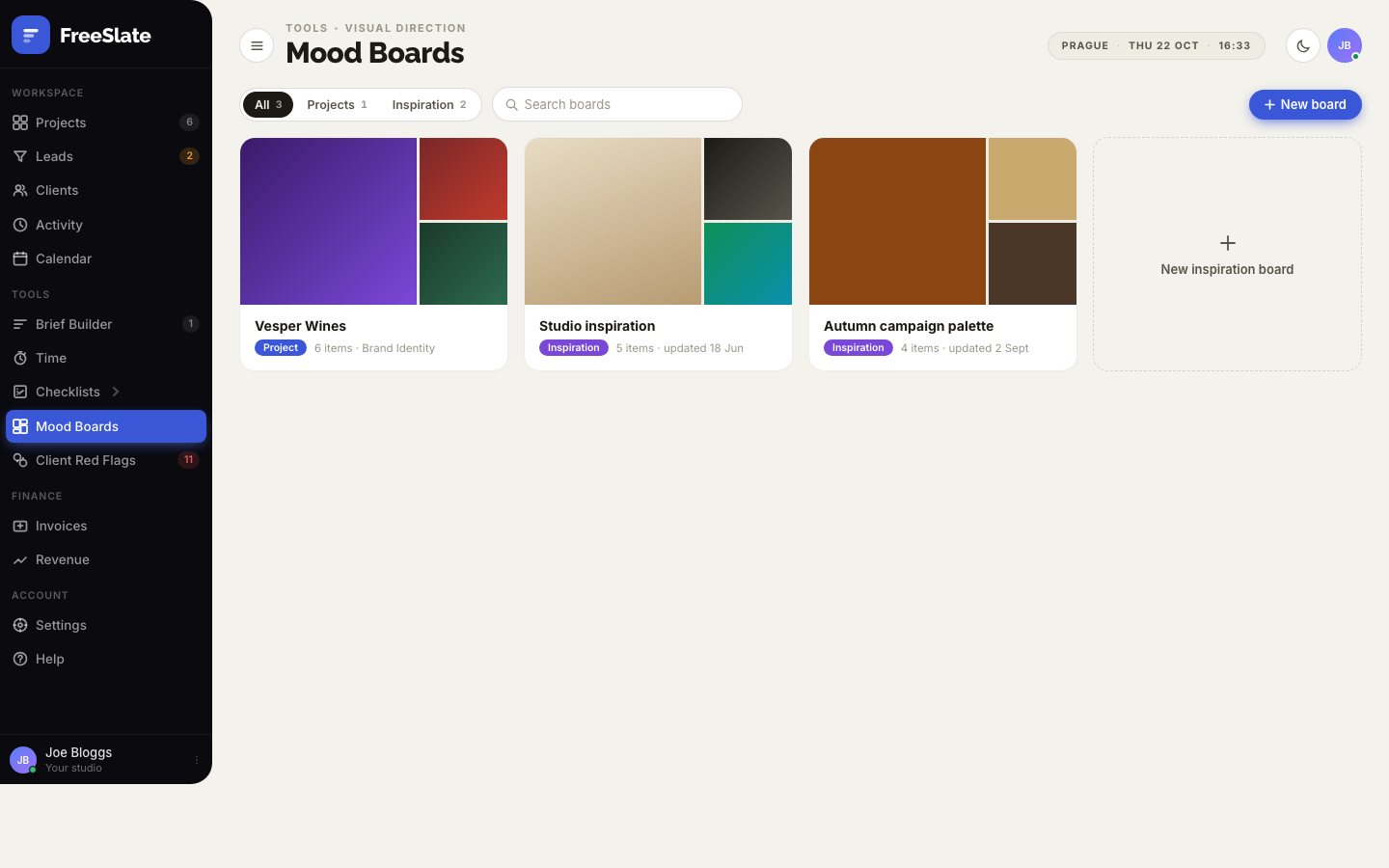
Move to Concept. Collect references, images and colours on the project's mood board and share the direction before you open your design software.

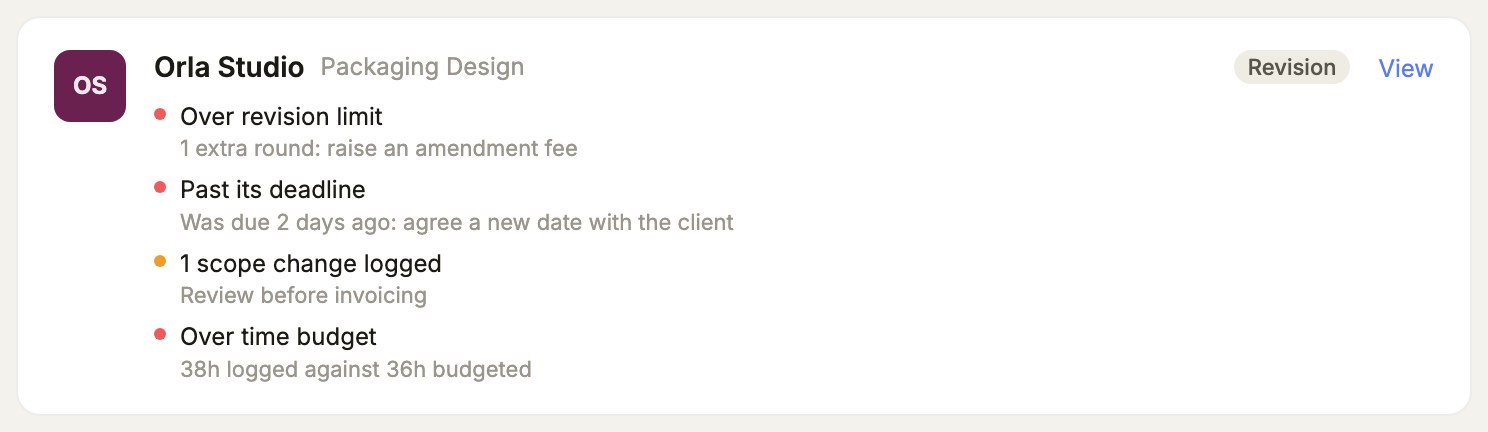
Each round of changes is counted against the brief. When the client asks for one more round, or a set of social templates that was never in scope, log it as an amendment with its fee. Client Red Flags gathers anything that needs a conversation.

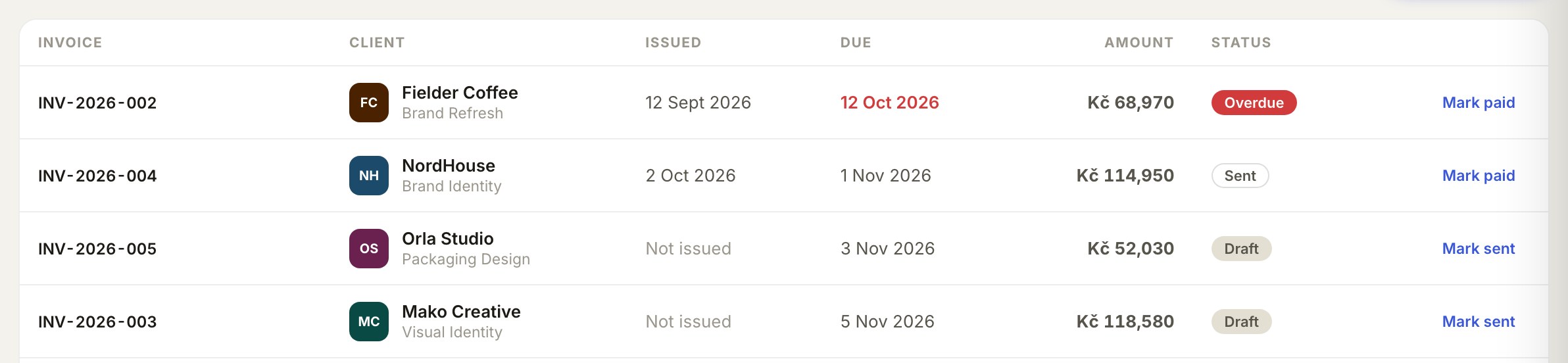
Hand over the final files, move to Invoice and send it in your currency with tax worked out. If it goes past the due date, it turns red on your dashboard and a polite reminder is one tap away.

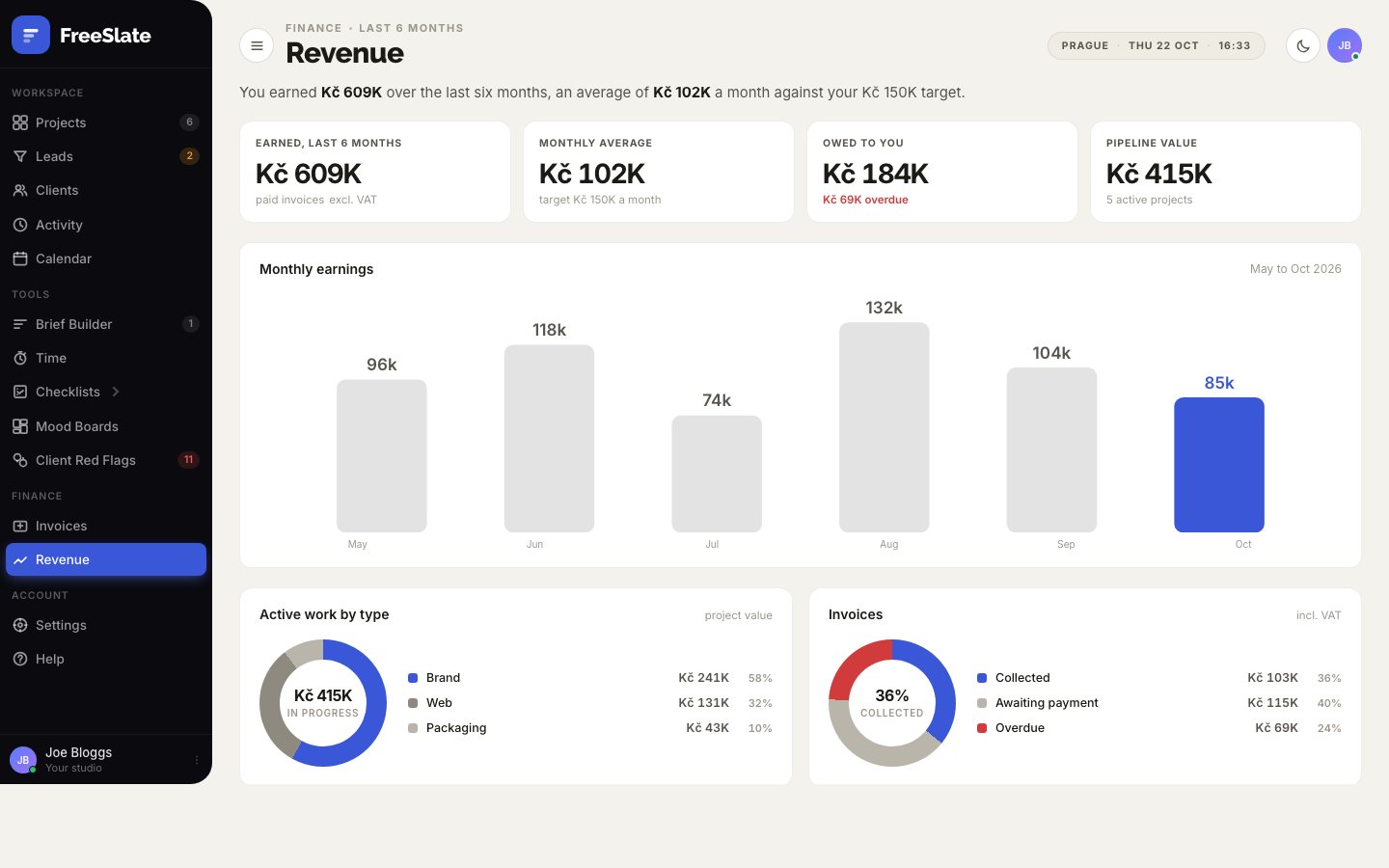
Every paid invoice feeds your Revenue page: six months of earnings against your target, what is still owed, and how much to set aside for tax.

Open FreeSlate and the dashboard tells you what needs you today: overdue invoices, deadlines, follow-ups and budgets, most urgent first.

FreeSlate is in final testing. Join early access and we'll tell you the moment it's ready.